JavaScript

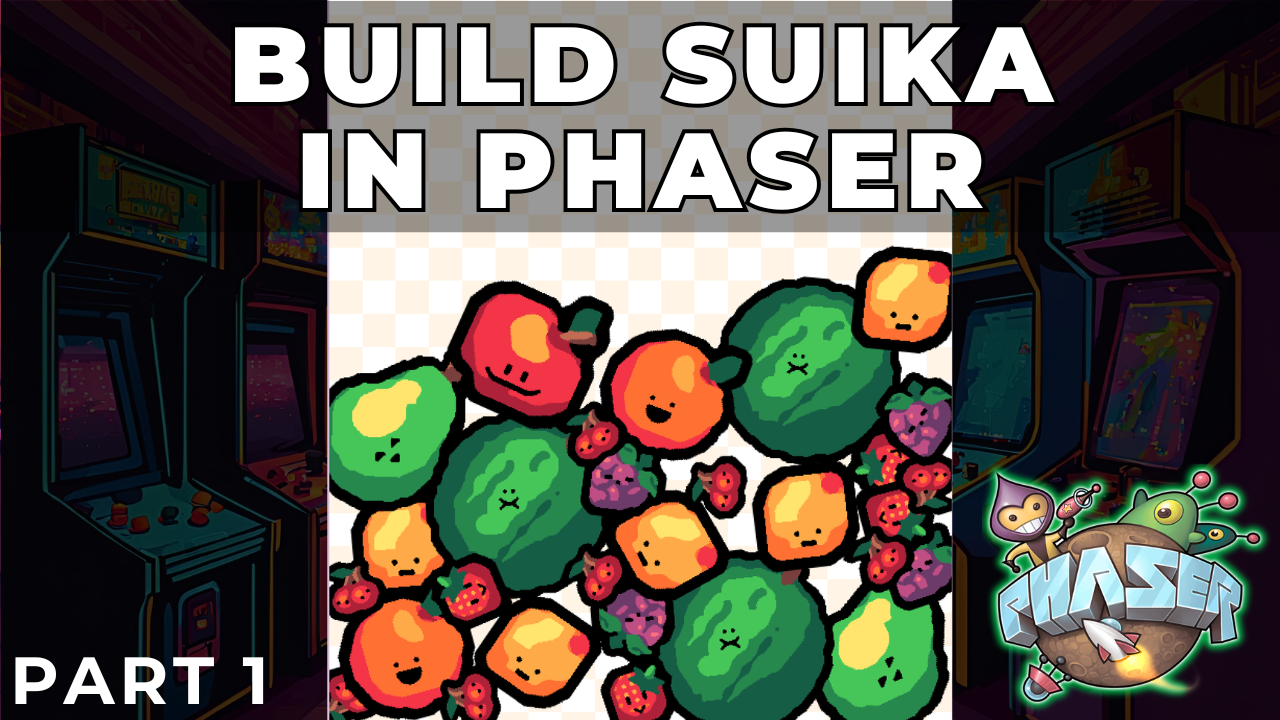
Building a Suika-Style Merge Game with Phaser 4 Part 1: Project Setup and Data-Driven Design

Building a Suika-Style Merge Game with Phaser 4 Part 1: Project Setup and Data-Driven Design

In this tutorial series, we will build a physics-based merge game inspired by Suika Game using Phaser and its built-in physics engine, Matter.js.

This type of game looks simple on the surface, but it is an excellent vehicle for teaching several important game development concepts, including data-driven design, physics-based gameplay, collision-driven mechanics, and clean scene architecture.

In this first post, we will focus on these foundational goals:

  • Understanding the overall game concept.
  • Designing a data-driven system for our fruits.
  • Setting up the project structure and loading assets.
  • Preparing our main GameScene for the gameplay systems to come.

At this stage, we will not implement physics or player interaction. The goal is to build a strong, data-centric foundation before we add the complexity of physics and gameplay.
HTML5 Game Development - Project Setup

Before we start learning about HTML5 Canvas and start writing any code, the first thing we need to do is setup a development environment that will allow us to easily edit our files, serve our static files on a local web server, and view our changes in real time as we make them.

For this series, we will be trying to keep things as simple as possible, so we will not be using things like node, npm, webpack, vite, etc. The tools are fantastic, and they can be used to make certain things easier and simpler, like bundling your source code, installing project dependencies, minifying your code, and much more. However, for this series we will only need two things:

HTML5 Game Development - Tutorial Series Announcement

Today, I wanted to introduce a new series that I will begin working on that will be focusing on creating games with pure JavaScript and rendered on HTML using the HTML Canvas element . This series will focus on step by step tutorials for learning the basics of working with the HTML Canvas elements for game development and then we will move on to creating games.

As we progress through the series, we will be building blocks of re-usable code that you will be able to use to create your own games. Finally, with the knowledge you gain here, you should be able to pick any JavaScript game framework and use that framework for your projects, since they just build on the basics you will be learning here.

HTML5 Game Prototyping Course - Part 1

Welcome everyone! This is the first of many posts that will cover the topic of game prototyping and we will be putting game prototyping into practice by building some basic games in HTML5 using TypeScript.

What is game prototyping?

In game design, game prototyping is the process by which a game designer builds the simplest version of their game in order to test their idea and get feedback. A good prototype will convey the mechanics of the game the designer wants to build and it will allow others to test the gameplay.

New Learn JavaScript Course

JavaScript 101 Course

It has been awhile since any new content has been published to my blog, but today I am happy to announce that I have released a brand new course on learning JavaScript that you can watch for free on YouTube here: JavaScript 101


Over the past year and a half, I have been working as a freelancer for Zenva (GameDev Academy and Phaser GameDev Tutorials) and I had the opportunity to create some video courses for them. At first I was not sure if I would enjoy making that type of content, and I found that I really enjoyed making video tutorials. As a result, for some time I have been wanting to publish some content myself, and in addition to this, I have been wanting to start a channel on YouTube and start publishing video content there.