While reading through some AEM forums, I came across this tutorial called “Creating Java Swing applications that posts files to AEM ClientLibs folder”.
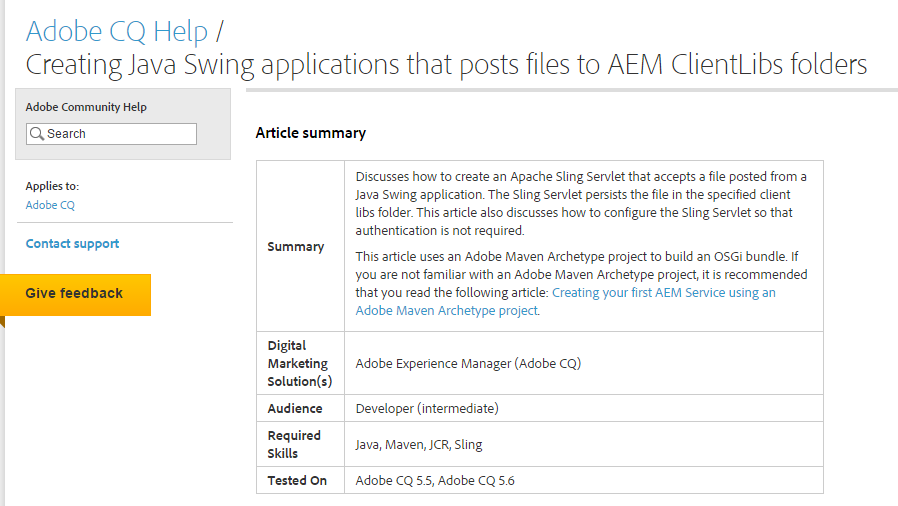
The tutorial walks you through creating an application that will upload a Text, CSS, or JavaScript file to a file path that you specify in the application.
Once you do this, then you need to create an OSGI bundle that contains a Swing Servlet. After this is done, you just upload the bundle to the Felix Console, start the bundle, and then you can run your application to start uploading files.
I thought this was great tool because it is a nice alternative to getting local files into AEM without having to use CRXDE.
Here are some tips if you run through the tutorial:
The tutorial states that it was tested on 5.5 and 5.6. I ran through the tutorial using AEM 6.0, and it worked fine, so you are welcome to try it out with that version.
When you are creating the Swing application, it has you create some image icons, and reference images in a image folder. You can upload your own images to your project and update the file path to those images. The application will work fine without the images, but it adds a nice look to the application.
Also, during the creation of your Swing application, you can update the default path text to something more relevant to your application. Just change "path.setText("/apps/slingSevletApp/components/clientlibs");" to any path you would like.
Lastly, just make sure you export your Swing application as a runnable jar file so you can run it at any time without having to have Eclipse, or any other IDE open.
