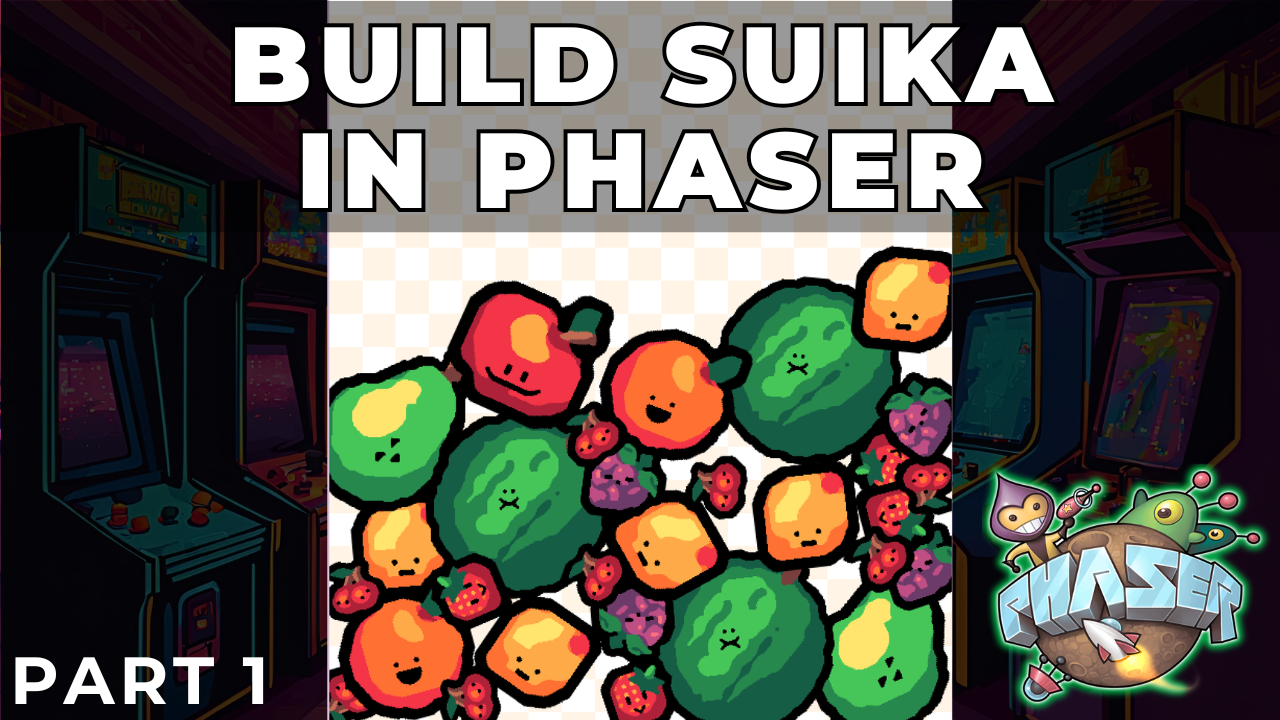
Building a Suika-Style Merge Game with Phaser 4 Part 1: Project Setup and Data-Driven Design

Building a Suika-Style Merge Game with Phaser 4 Part 1: Project Setup and Data-Driven Design

In this tutorial series, we will build a physics-based merge game inspired by Suika Game using Phaser and its built-in physics engine, Matter.js.

This type of game looks simple on the surface, but it is an excellent vehicle for teaching several important game development concepts, including data-driven design, physics-based gameplay, collision-driven mechanics, and clean scene architecture.

In this first post, we will focus on these foundational goals:

  • Understanding the overall game concept.
  • Designing a data-driven system for our fruits.
  • Setting up the project structure and loading assets.
  • Preparing our main GameScene for the gameplay systems to come.

At this stage, we will not implement physics or player interaction. The goal is to build a strong, data-centric foundation before we add the complexity of physics and gameplay.
Phaser Animation Frames: Multi-Row Sheets & Atlases (Video)

Phaser Animation Frames: Multi-Row Sheets & Atlases (Video)

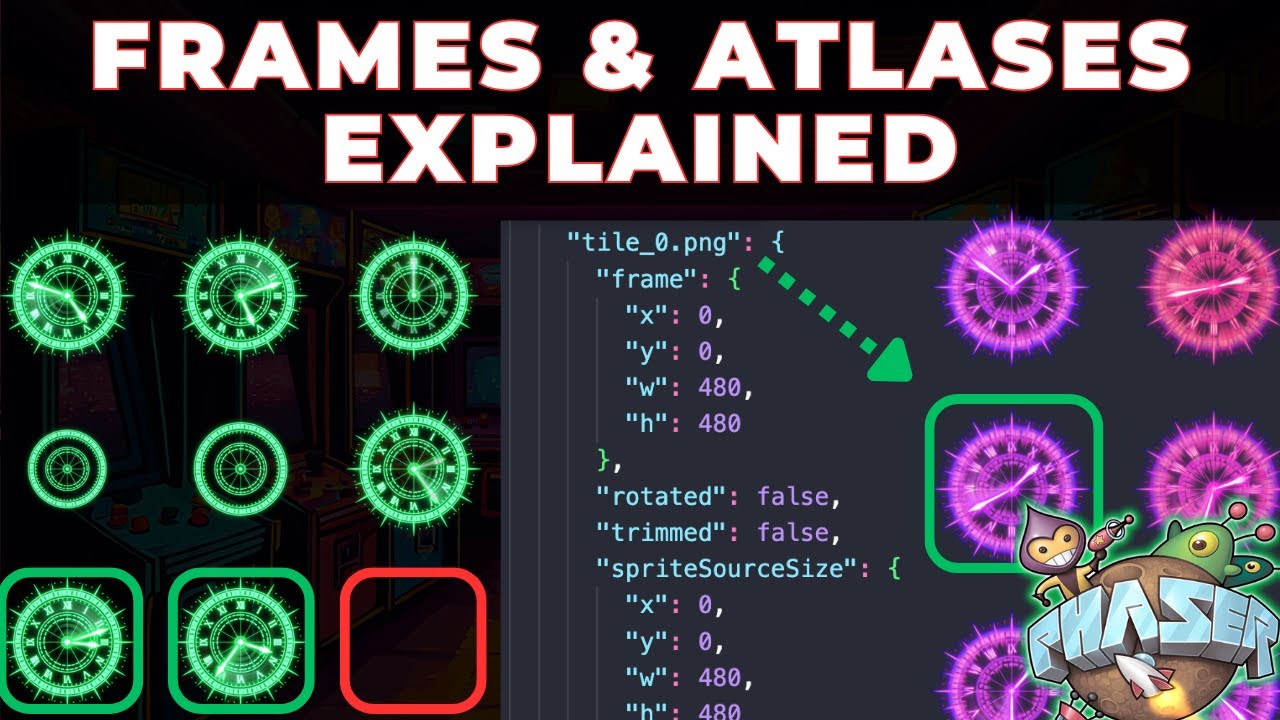
Check out my new video on YouTube where I break down exactly how Phaser indexes frames, handles empty tiles, and works with texture atlases.


Ever wondered how Phaser handles sprite sheets with multiple rows? Or why some of your animations don’t start exactly where you expect? In this tutorial, we break down exactly how Phaser indexes frames, handles empty tiles, and works with texture atlases.

Solitaire HTML5 Game Tutorial With Phaser 3 Part 6: Title Scene

Solitaire HTML5 Game Tutorial With Phaser 3 Part 6: Title Scene

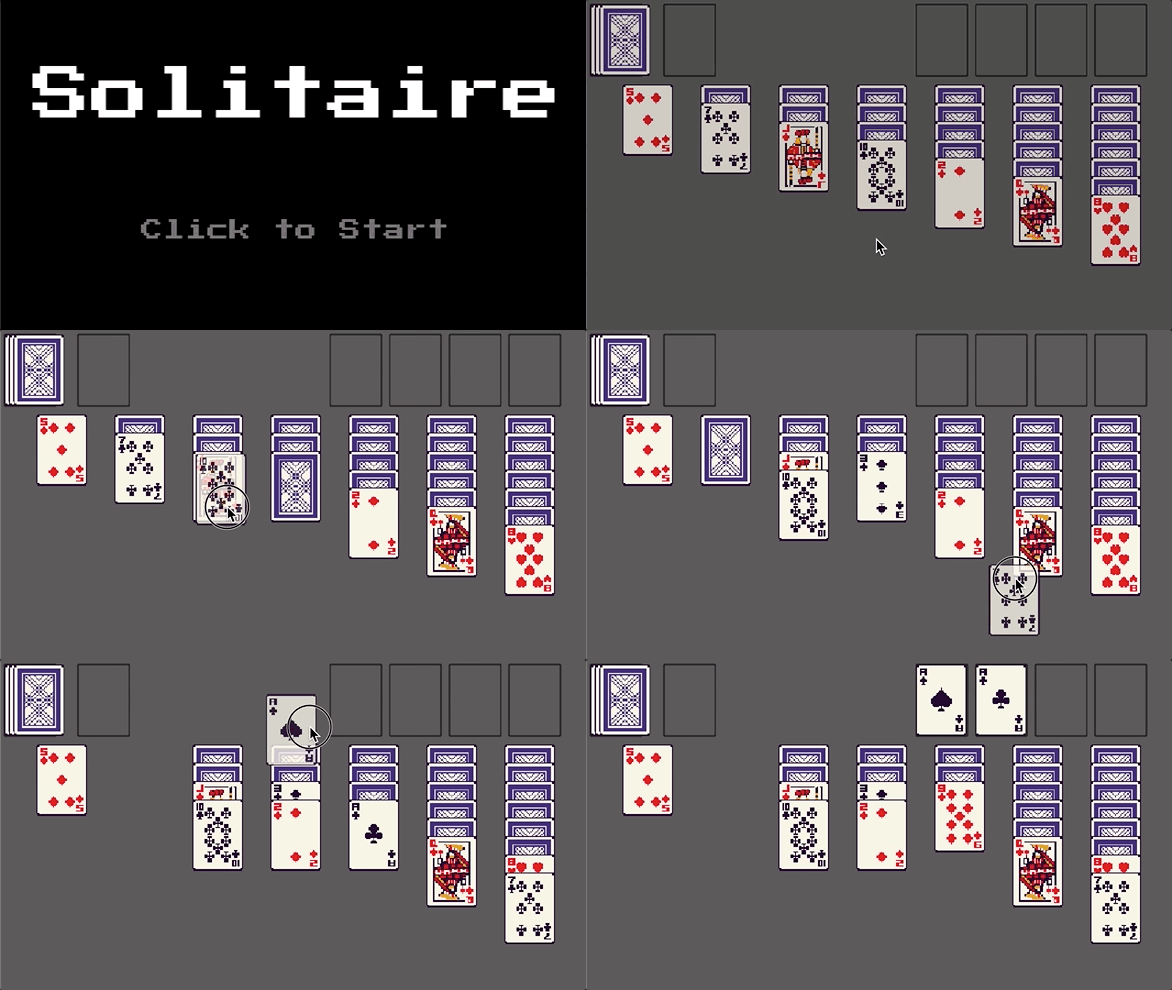
In this tutorial series, we’ll be looking at how to recreate the game Solitaire using the Phaser 3 framework. Here’s an example of what the final game should look like:

Phaser Solitaire Gameplay

Previously, in part 5 , we focused on adding in the core logic for the Solitaire class and we connected this logic to our GameScene to finish creating the Solitaire game instance.

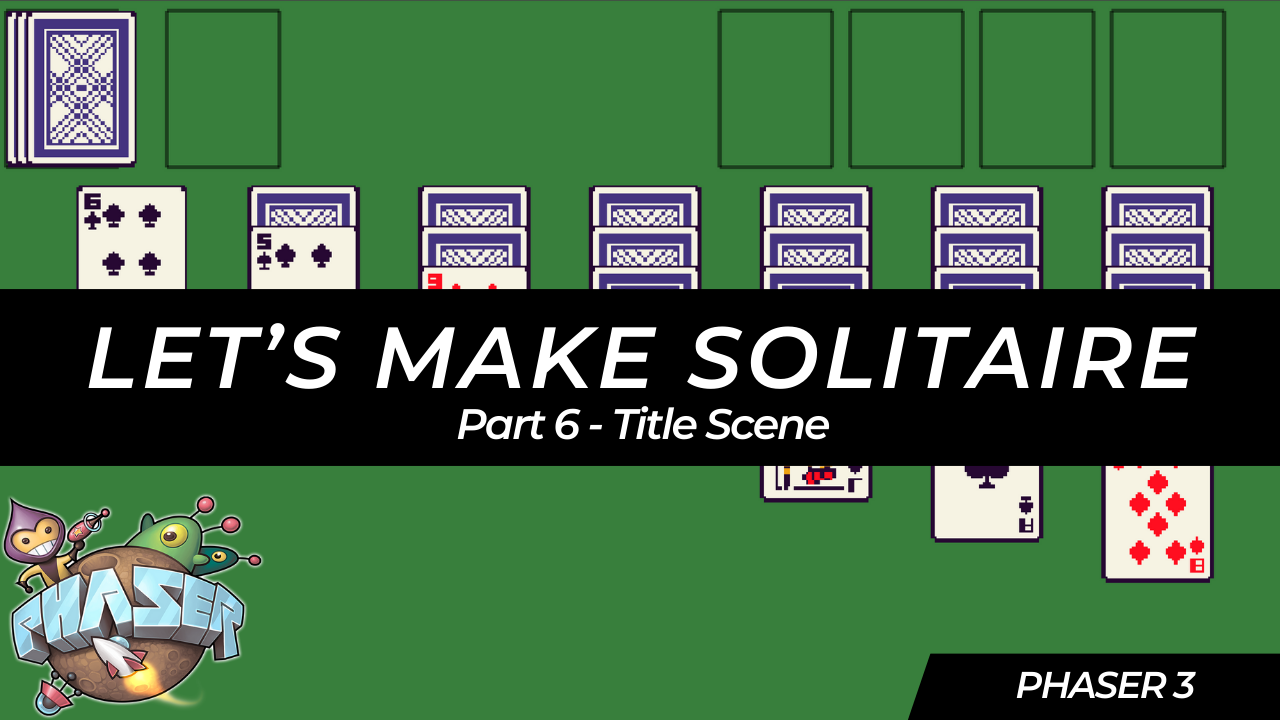
In this last part of the series, we are going to work on creating a new Title Scene and add in a few scene transitions to our game.

Solitaire HTML5 Game Tutorial With Phaser 3 Part 5: Core Solitaire Logic

Solitaire HTML5 Game Tutorial With Phaser 3 Part 5: Core Solitaire Logic

In this tutorial series, we’ll be looking at how to recreate the game Solitaire using the Phaser 3 framework. Here’s an example of what the final game should look like:

Phaser Solitaire Gameplay

Previously, in part 4 , we focused on adding support for moving cards between the various card piles in our game, and we started to stub out the Solitaire class that will have the core logic for our Solitaire game.

Solitaire HTML5 Game Tutorial With Phaser 3 Part 4: Moving Cards

Solitaire HTML5 Game Tutorial With Phaser 3 Part 4: Moving Cards

In this tutorial series, we’ll be looking at how to recreate the game Solitaire using the Phaser 3 framework. Here’s an example of what the final game should look like:

Phaser Solitaire Gameplay

Previously, in part 3 , we focused on adding support for player input by listening for click and drag events in our game.

In part 4 of this series, we are going to start working on adding support for moving cards between the various card piles in our game.

Solitaire HTML5 Game Tutorial With Phaser 3 Part 3: Player Input

Solitaire HTML5 Game Tutorial With Phaser 3 Part 3: Player Input

In this tutorial series, we’ll be looking at how to recreate the game Solitaire using the Phaser 3 framework. Here’s an example of what the final game should look like:

Phaser Solitaire Gameplay

Previously, in part 2 , we worked on creating the main layout for our game.

In part 3 of this series, we are going to start working on making our game interactive and we will add support for player input.

Solitaire HTML5 Game Tutorial With Phaser 3 Part 2: Game Layout

Solitaire HTML5 Game Tutorial With Phaser 3 Part 2: Game Layout

In this tutorial series, we’ll be looking at how to recreate the game Solitaire using the Phaser 3 framework. Here’s an example of what the final game should look like:

Phaser Solitaire Gameplay

Previously, in part 1 , we reviewed the rules and game play of the game Solitaire, setup our project files, and loaded in the assets we will need for our game.

In part 2 of this series, we are going to start building out the layout of our game.

Solitaire HTML5 Game Tutorial With Phaser 3 Part 1: Project Setup

Solitaire HTML5 Game Tutorial With Phaser 3 Part 1: Project Setup

The game of Solitaire is a fun classic single player card game that involves strategy, patience, and sometimes a bit of luck. The card game involves arranging cards in a specific order based on suit and rank, and the goal is to move all the cards from the tableau (the main playing area) into a set of foundations (four piles), each starting with an Ace and building up in ascending order to a King.

Build A Connect Four Library In TypeScript - Part 5 (Video)

Build A Connect Four Library In TypeScript - Part 5 (Video)

If you are interested in learning how to create a reusable Connect Four library in TypeScript, then you should check out the fifth video in my new series that I released on YouTube: Building a Connect Four Library in TypeScript - Step by Step Guide - Part 5.


If you prefer a written tutorial, then you can find the same content here on my blog: Build A Connect Four Library In TypeScript - Part 5 .